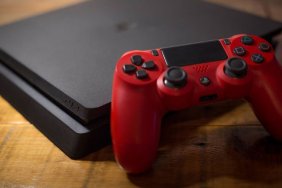

The DualShock 4 has been supported by the PS3 since launch, but with one caveat: it must be plugged in. It’s a small shortcoming for some. For many, it’s just a nuisance having to deal with a USB controller going across the room. Now there’s a solution, and made better, it’s directly from Sony.
Sony has added wireless support for the DualShock 4 on PS3, making it a go-to controller for your PlayStation needs. You can take advantage of the new integration by doing the following:
- Go to Settings.
- Go to Accessory Settings.
- Select Manage Bluetooth Devices.
- While the PS3 scans, press and hold the share button on the DualShock 4.
The DualShock 4 will show up as ‘Wireless Controller’. Once paired, you can then use it as if it were native to the PS3.
Related: DualShock 4 Review
Unfortunately, the DualShock 4’s compatibility list hasn’t changed. You can play most titles with it, but there are a few that pose a problem. You can see an extensive list of supported games on PlayStation Trophies.